Nothing added to your receipts
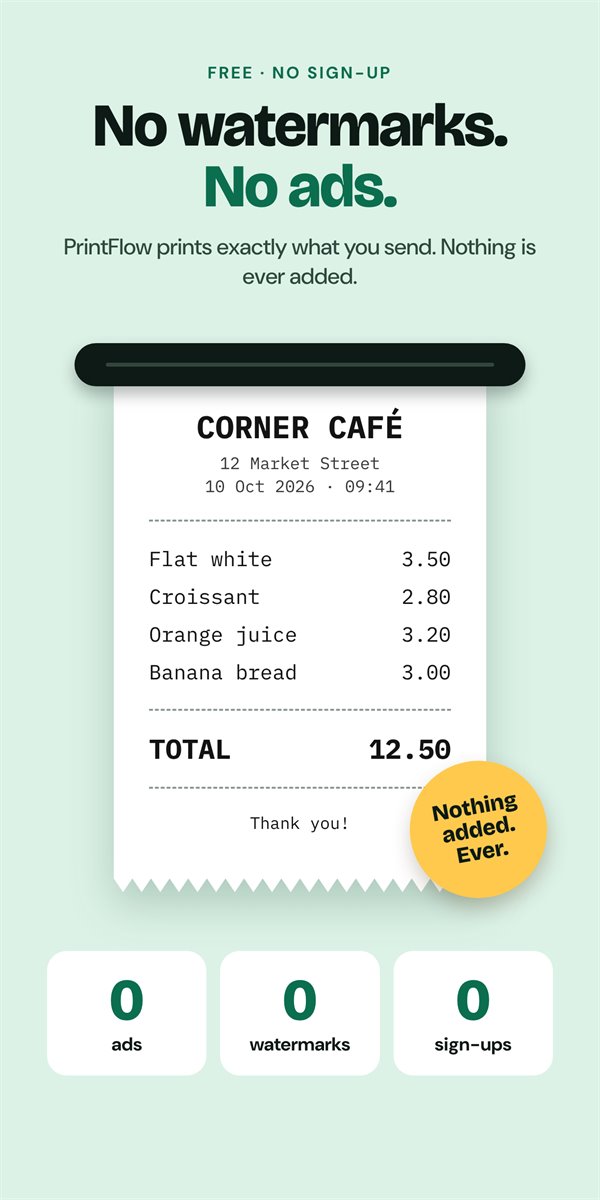
No watermarks, no ads, no "printed with" footers. Raw Print prints exactly what you send, plus the feed or cut you turned on.
Connect your 58 mm or 80 mm thermal printer over Bluetooth or USB and start printing. No settings to learn.
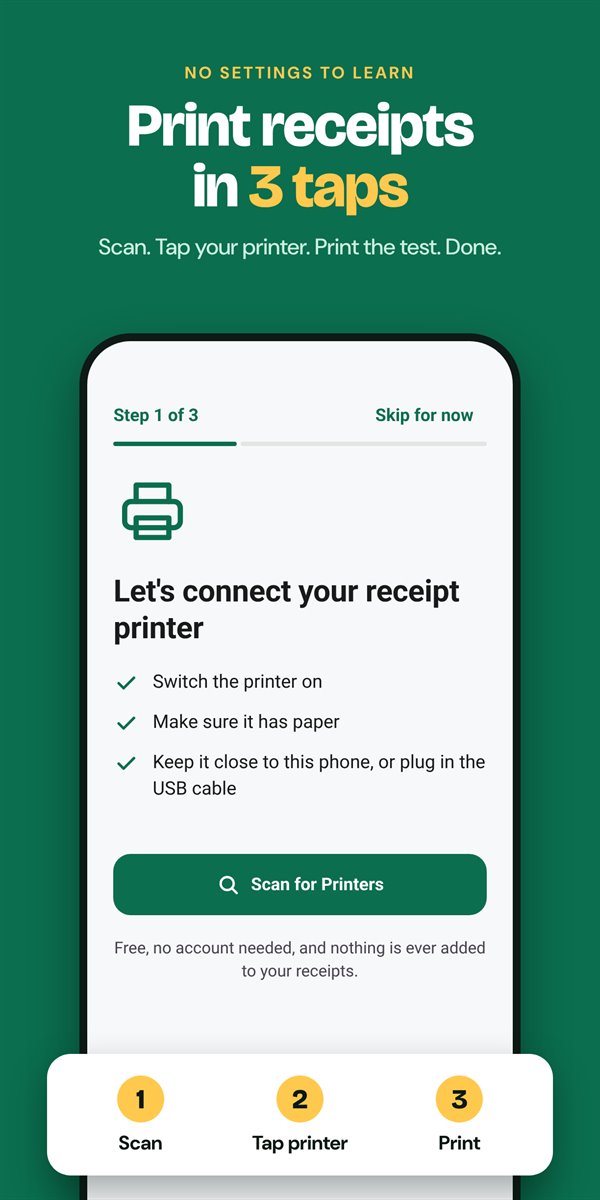
Turn the printer on, load paper, and keep it near your phone (or plug in the USB cable).
Tap Scan for Printers. Raw Print finds Bluetooth, Bluetooth Low Energy and USB printers around you.
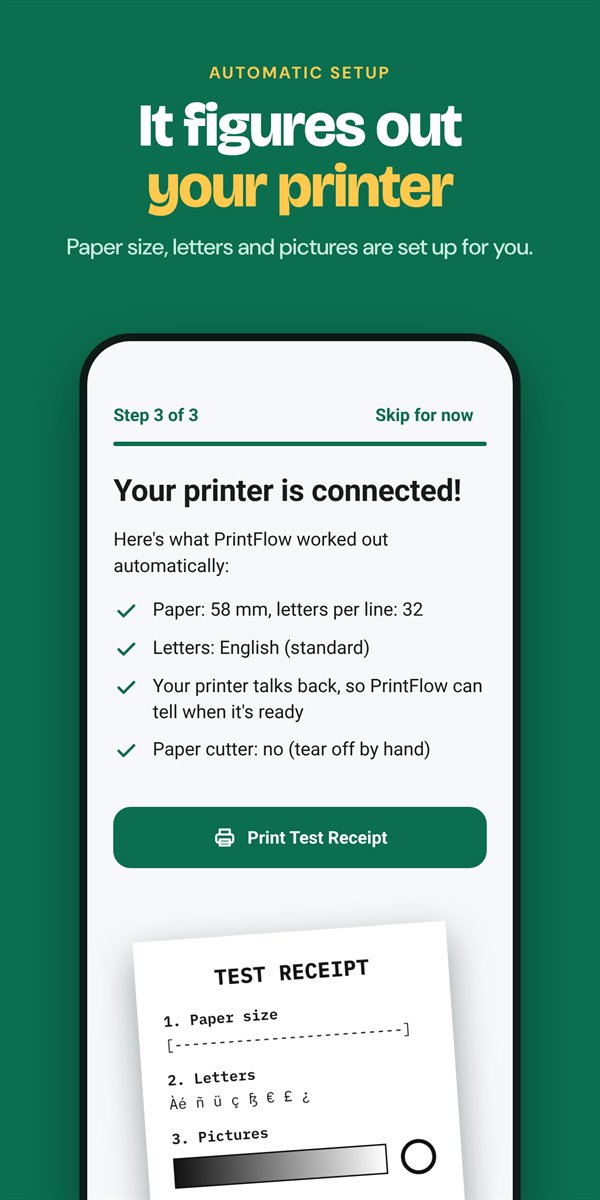
Pick it from the list. Raw Print checks what the printer supports and chooses paper width and settings for you.
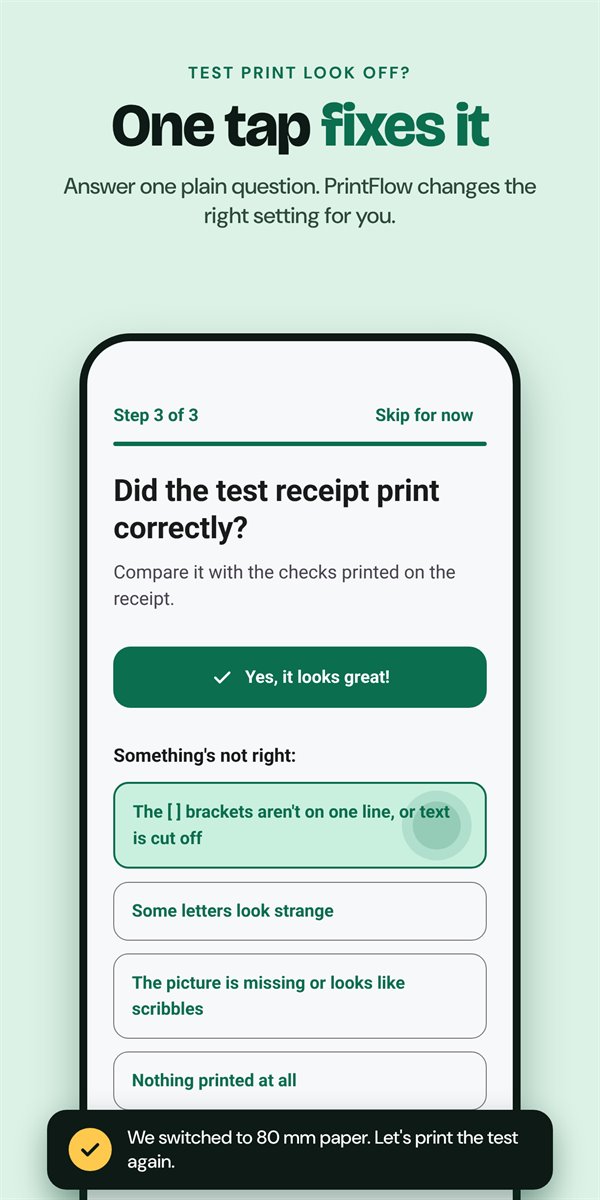
A test receipt comes out. If something looks off, answer one plain question and Raw Print fixes the right setting.
Built for small businesses, restaurants, couriers and market stalls that just need receipts to come out right.
No watermarks, no ads, no "printed with" footers. Raw Print prints exactly what you send, plus the feed or cut you turned on.
It asks the printer for its model and features without wasting paper, then picks paper width, character set and picture mode.
Text cut off? Strange letters? Picture looks like scribbles? Tap what you see on the test receipt and the right setting changes.
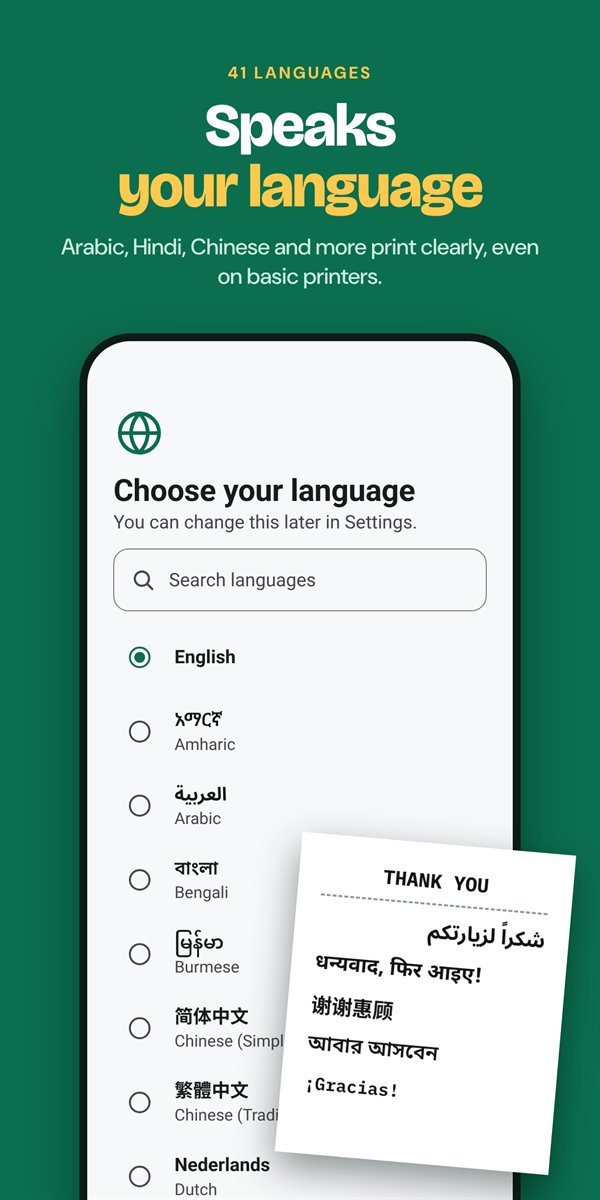
Arabic, Urdu, Hindi, Chinese, Thai and emoji print correctly, even on printers that only know Latin letters. Right-to-left layout included.
Share a PDF, photo or web receipt to Raw Print, or pick it in Android's Print menu from Chrome, Gmail, Drive and more.
Runs quietly in the background, reconnects on its own and starts again after a restart, so the printer is ready when a sale comes in.
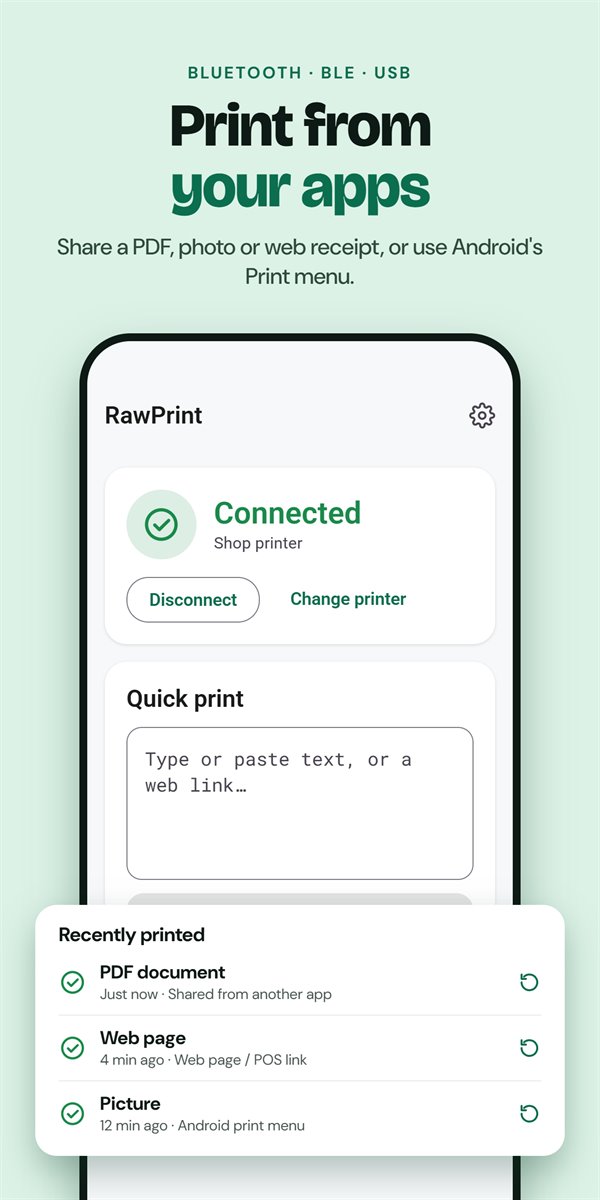
Raw Print runs as a background print service. Web pages send jobs with a link, Android apps with an intent, and most POS systems that already print through a background print utility keep working without code changes.
rawprint: links from any web page// Raw ESC/POS bytes, sent to the printer untouched location.href = "rawprint:base64," + base64Bytes; // Plain text location.href = "rawprint:" + encodeURIComponent(text); // A picture or PDF location.href = "rawprint:data:application/pdf;base64," + pdf; // Download and print a receipt page location.href = "rawprint:https://pos.example.com/receipt/42";
Most 58 mm and 80 mm thermal receipt printers that use ESC/POS commands, which covers the majority of portable and countertop receipt printers. They can connect over Bluetooth Classic, Bluetooth Low Energy or a USB OTG cable.
Yes. There are no ads, no subscription and no watermarks on your receipts.
No. Printing over Bluetooth or USB works offline. Raw Print goes online to print a web link you ask for, and to send anonymous crash reports and usage statistics when a connection is available (you can turn these off in Settings).
Usually, yes. Raw Print accepts print jobs from web pages through links, from Android apps through intents and the share menu, and from any app with Android's Print menu. Most POS systems that already print through a background print utility work without code changes. If yours doesn't, email us with the name of your POS.
Yes. When the printer can't show a script itself, Raw Print prints that text as a picture using your phone's fonts, so letters join correctly and right-to-left order is kept.
Not at the moment. Raw Print is for Android phones and tablets running Android 7.0 or later.
Answer the "Did it print correctly?" question in the app and Raw Print changes the matching setting. If it still isn't right, see the support page or email us.

Install Raw Print, switch on your printer, and you'll be printing in three taps.